
1. Using the encoder’s account of your chapter go to Members Tab
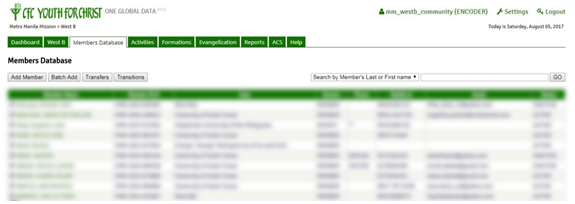
2.Search and click the name of the member whose service record you want to edit
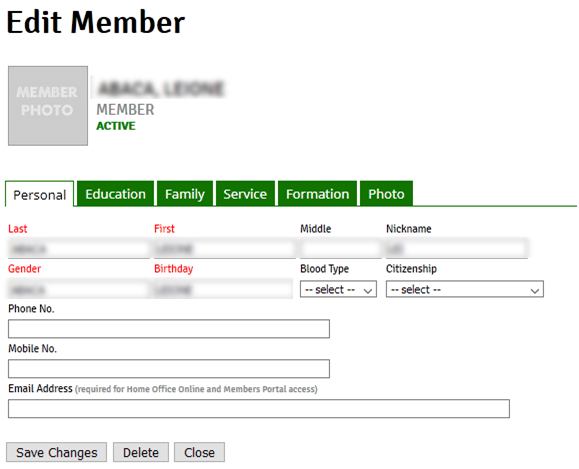
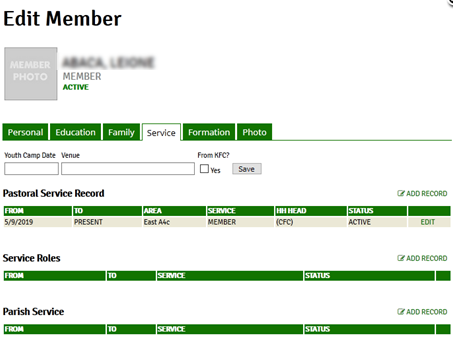
3. Click the Service Tab. From here you can choose to Edit the pre-existing record to update the member record accurately

4. Edit the Area/Chapter under this record.
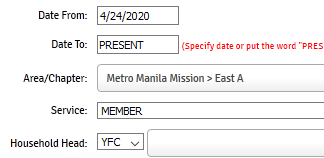
5. Click Save Changes to save any changes that you made in the record before clicking another tab or closing the record
